Back to FAQ
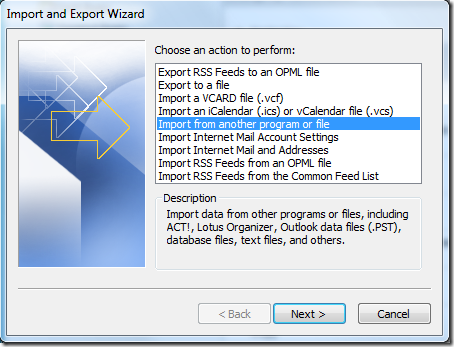
How to import data in Outlook 2010In the Import And Export wizard, select Import from another program or file option and hit Next.
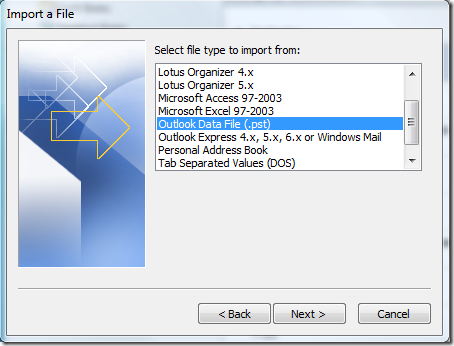
Under File Type, select Outlook Data File(.pst) and hit Next.
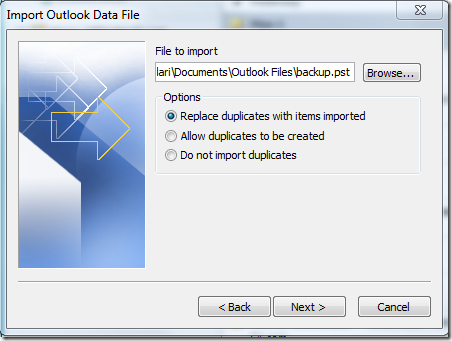
Now choose the file to import, select the options, and hit Next.
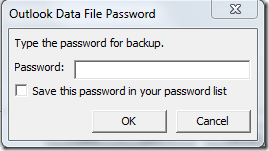
It will then ask you to enter the password for backup file twice.
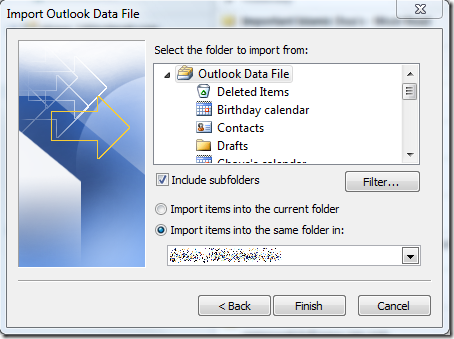
Once done, finally select the folder to import from(if you want to import complete data don’t change any settings) and make sure Include subfolders is checked. You can either import the file to the current folder or choose the folder.
|