Back to FAQ
New Service To do List:If you just switched your email service to me or have just started an account with us you will need to do two things.
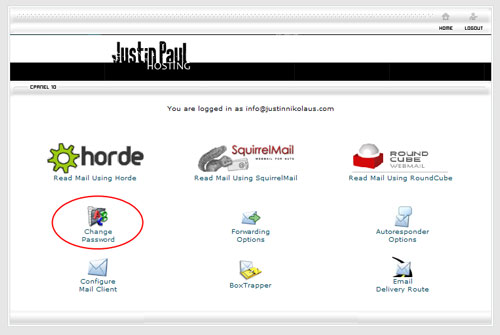
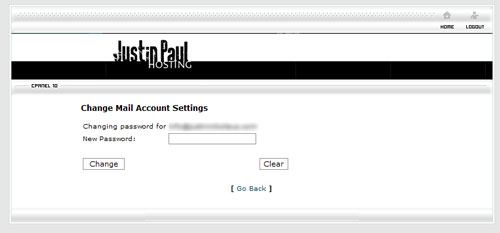
Change Your Email Password:
Change Your Email Settings:Back to FAQ |
Back to FAQ
New Service To do List:If you just switched your email service to me or have just started an account with us you will need to do two things.
Change Your Email Password:
Change Your Email Settings:Back to FAQ |
.