Justin Paul Hosting
Home
Hosting Plans
Why Us
Support
Contact
Back to FAQ
Change Your Email Password:
Type
www.yourdomain.com/webmail
into your browser. Where "yourdomain" is your domain.
Enter your email address and the default password that was sent to you.
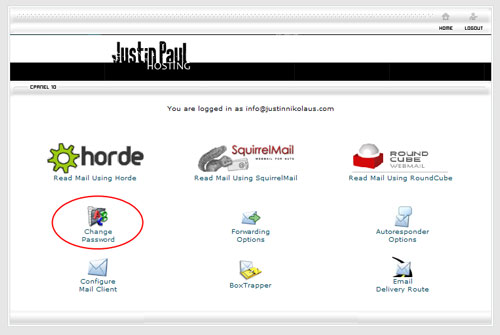
Click on the "Change Password" icon.
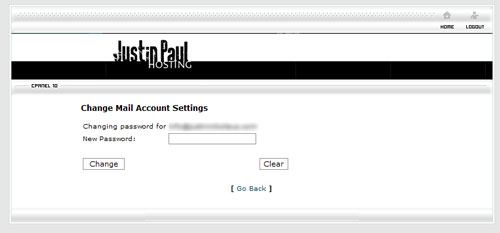
Enter in your new password and click the "Change" button.
Back to FAQ
.